Status messages in the Activity Log for Assessments now properly shows paused assessment and then resume assessment based on what the user clicks.
Removed the extra padding to the vPenTest agent registration commands in the UUID for Agent pop-up form.
Updated the Help Center URL to open in a new window and point to Vonahi's Help center
Fixed issue with Completed assessments showing up in the Scheduled tab in Company Profile
Fixed the Calendar icon loading issue on the Assessments page
Fixed issue with VulScan integration that generates an error when user tries to complete the integration.
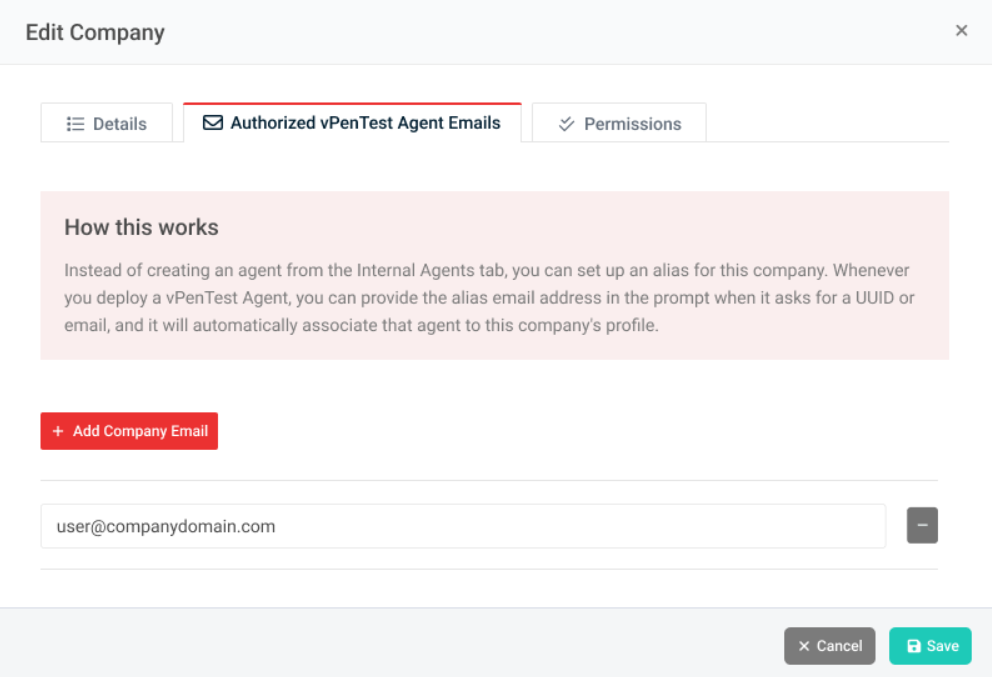
Updated the text for How the Agent Works in the Company form to make it easier and straight-forward for users.
Fixes for MSP partners
Description
Fixed a typo and UI alignment issue in Edit Brand pop-up form for MSP users
Fixed issue with company users getting an error message, "You are not authorized to access this page," when trying to view or edit assessments for specific companies
Fixed issue with company member not being able to edit or view scheduled assessments
Fixed issue with incorrect IP assignment and Company IP Summary for Partners on IP Pool licensing model
Fixed incorrect text on the IP Reset Date card in Company Profile page for partners on IP Pool licensing model
Fixed issue with partners not being able to run an assessment for NFR company and getting an email that there are no IPs available.