vPenTest release notes: March 10, 2026
This release gives you greater visibility and control over your agents and assessments so you can troubleshoot faster without contacting Support.
New features
Agent status indicators
You can now see real-time agent health at a glance. The list of agents includes a new Agent Status column with two indicators: Agent Connection (Online/Offline) and Cloud Session (Completed/Not Started).
Status indicators also appear in the organization profile in the List of Agents view.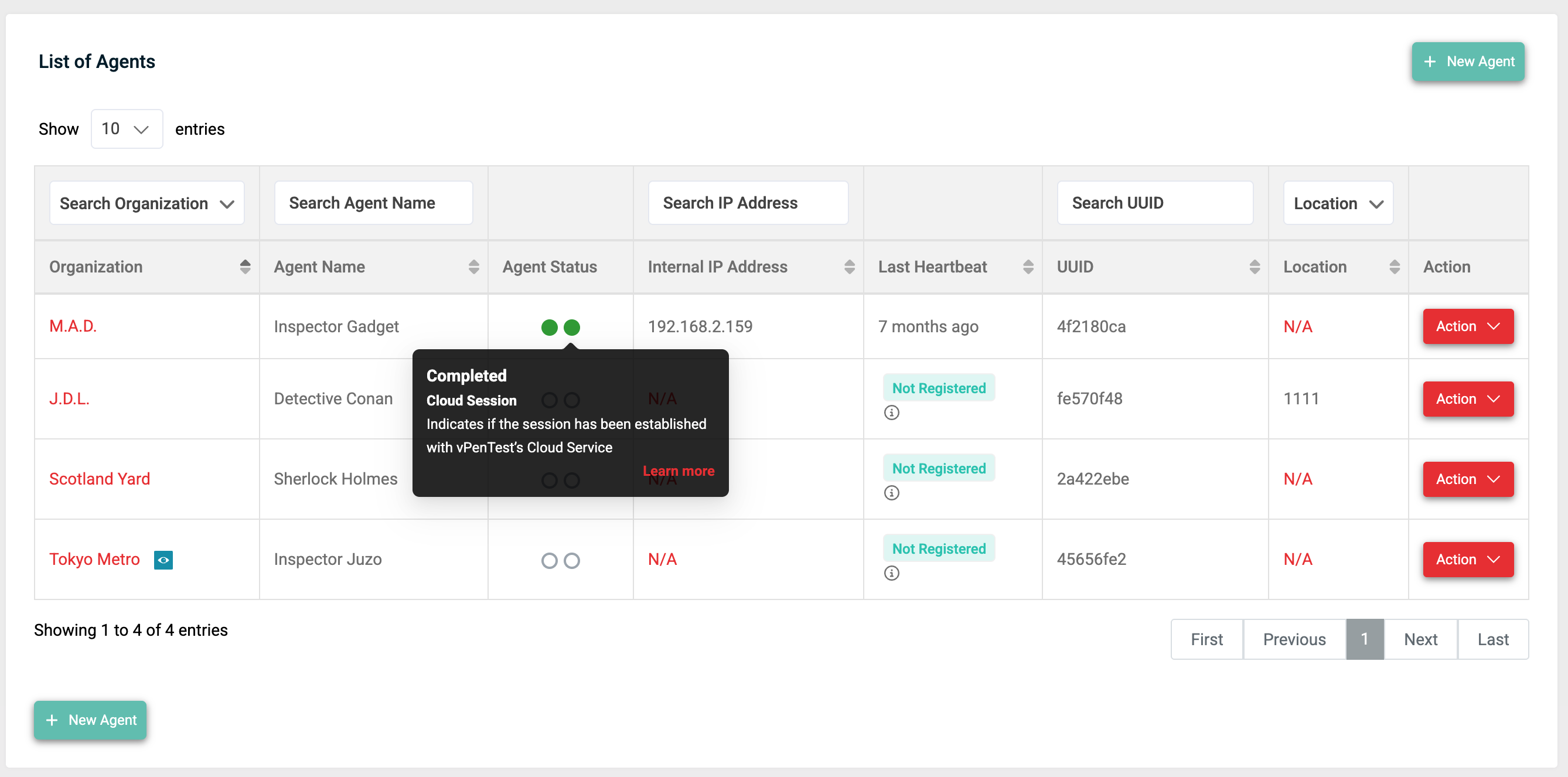
Self-service agent log downloads
You can now request and download agent logs directly from the platform without needing to contact Support.
Click Request Logs on any online agent to kick off a log extraction. When logs are ready, the button changes to Download Logs, and you'll receive an email notification with a direct download link so you don't need to stay on the page.
Log download access persists even if the agent goes offline after the request was made.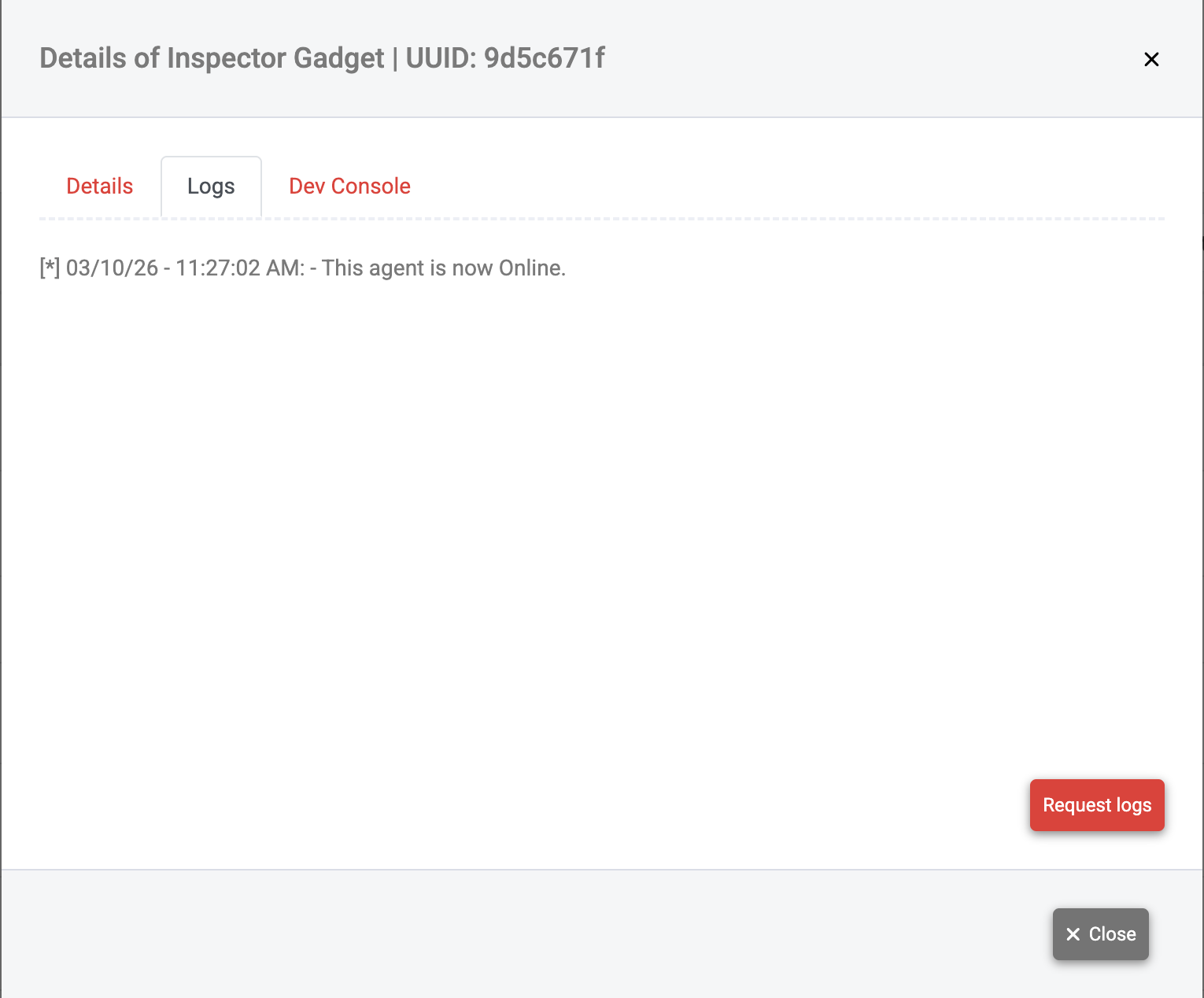
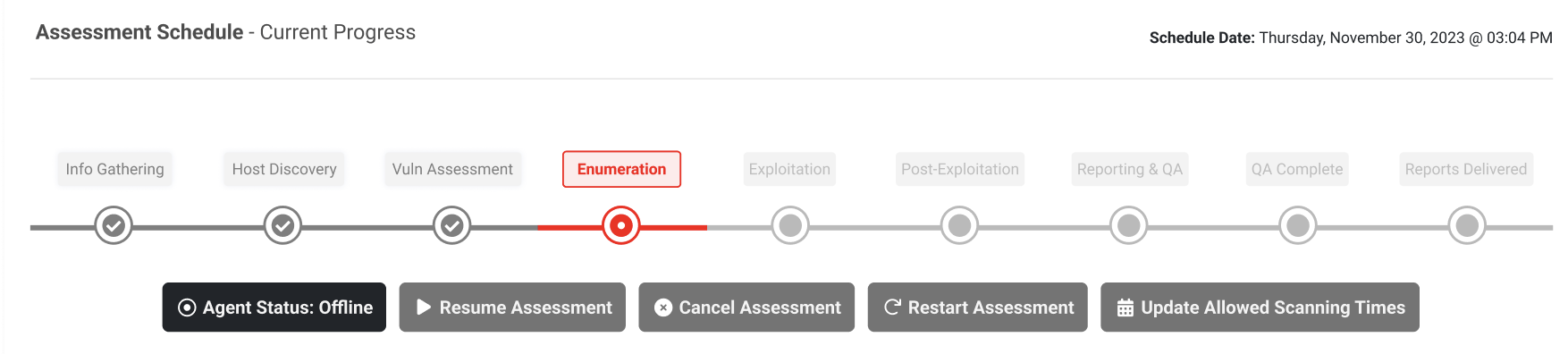
Self-service assessment restart
You can now restart assessments directly when something goes wrong without needing to contact Support. Click Restart Assessment, confirm via the dialog, and you're back up and running.