Managing passwords
NAVIGATION My Account > My Settings > Security
vPenTest allows you to manage passwords in a few easy steps.
Strong password requirements
Make sure to create a strong password that is not too common or easy to guess. Password requirements are as follows:
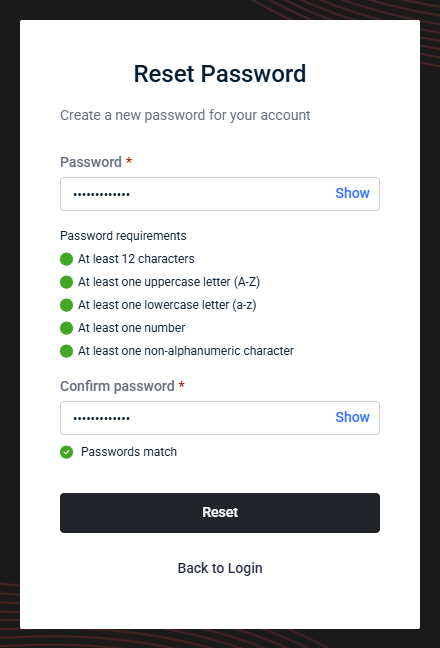
- Minimum length of 12 characters
- At least one uppercase letter (A–Z)
- At least one lowercase letter (a–z)
- At least one number
- At least one non-alphanumeric character
How to...
 Change your password
Complete the following steps to change your password while you are already logged in to your vPenTest account:
- In the upper-right corner of the header, click your profile name (My Account) and select My Settings.
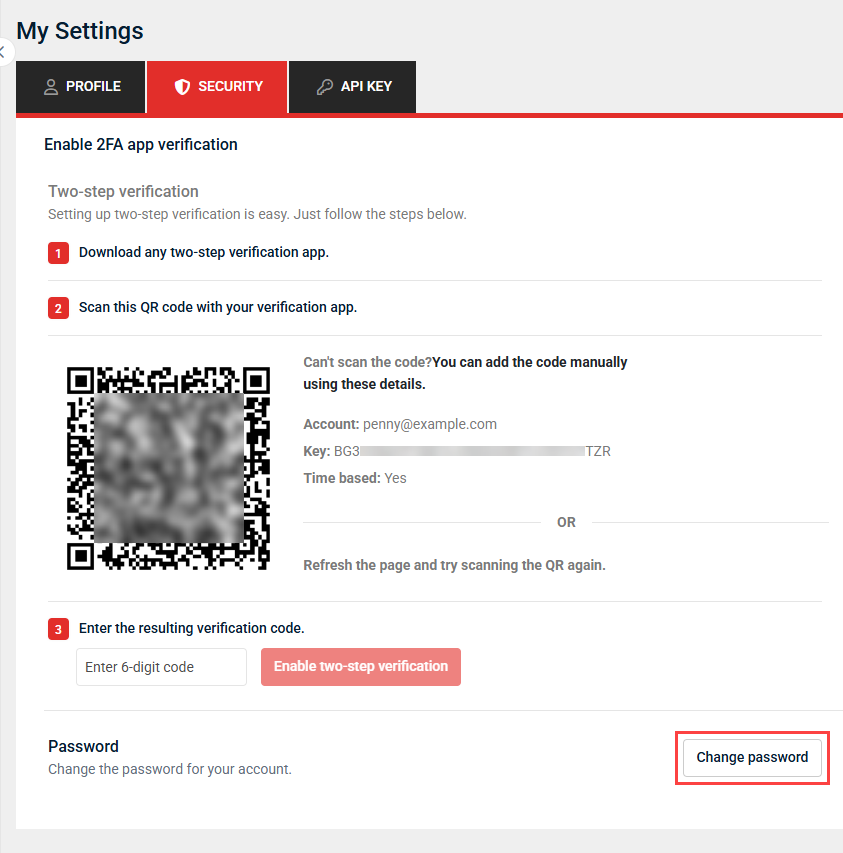
- On the My Settings page, click the Security tab.
- Click Change password.
- In the Change Password window, fill in the following fields:
- New Password: Enter a new password.
- Password confirmation: Reenter the new password.
- Enter current password to confirm changes: Enter the password you currently use to log in to your account.
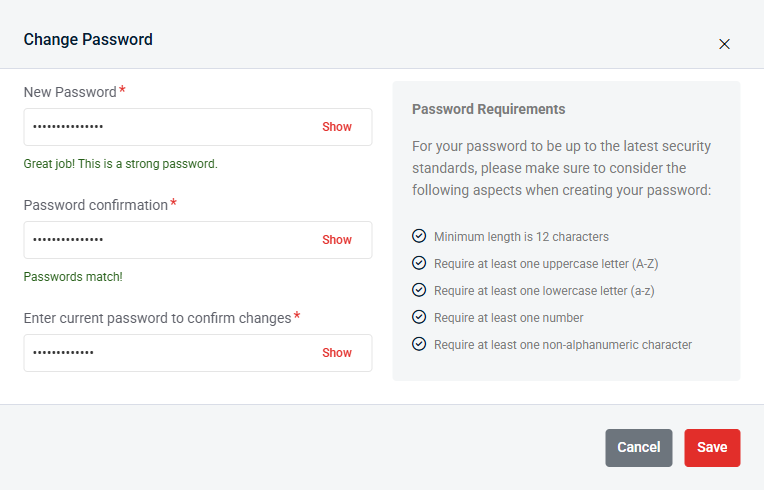
- Click Save to apply the new password, which you will use for future logins.
Reset your password
If you have forgotten your password, you can reset it by following these steps:
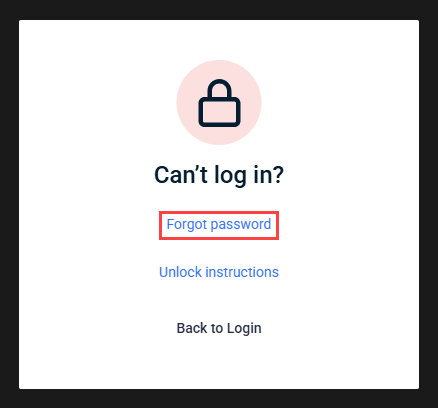
- From the vPenTest login page, click the Can't log in? link.
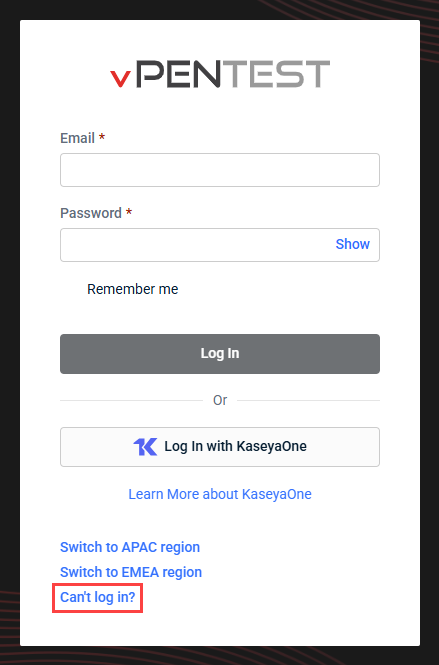
- Click Forgot password.
- In the Email field, enter the email address associated with your user account.
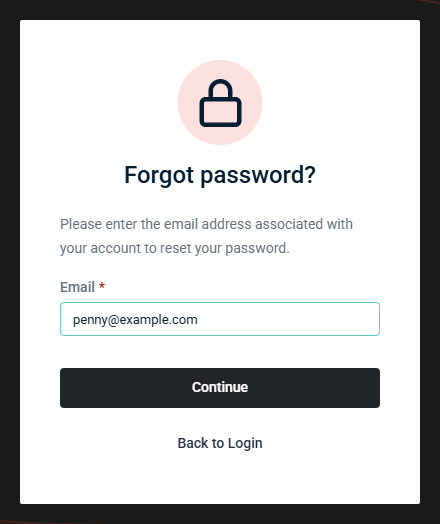
- Click Continue to trigger a password reset email.
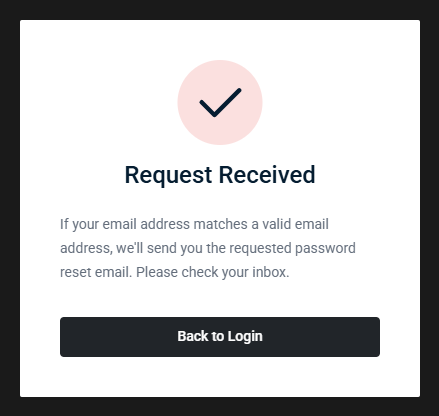
- Navigate to your email inbox, open the password reset email from vPenTest, and click the link in the email to change your password.
- Enter a new password in both the Password and Confirm Password fields.
- Click Reset.