Configuring your user profile settings
NAVIGATION My Account > My Settings
The My Settings page allows you to manage your personal profile details, two-factor authentication (2FA) settings, account password, and API access.
To access the page, click your profile name (My Account) in the upper-right corner of the header and select My Settings.
My Settings tabs
Expand the following drop-downs for a summary of each tab:
 Profile
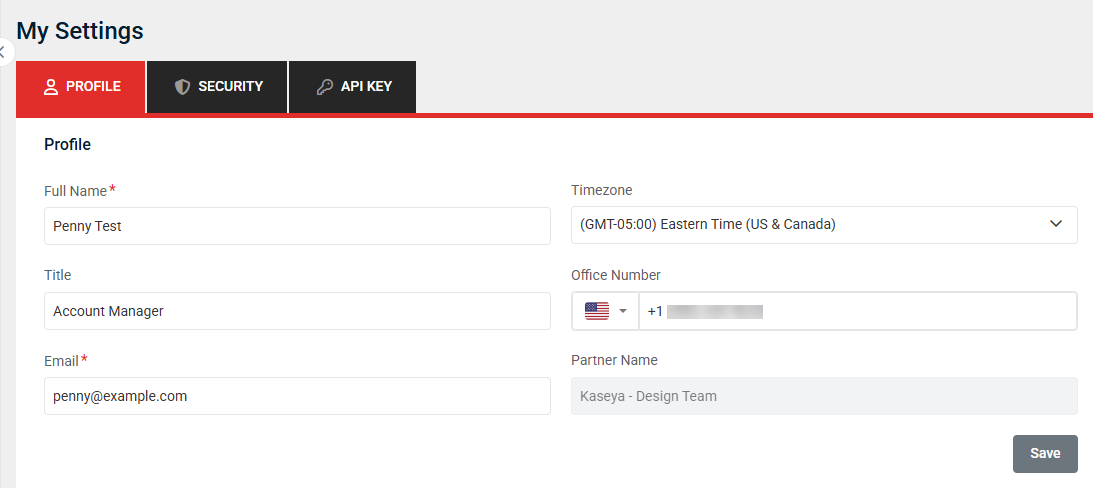
View or make changes to your own user account details, including your full name, time zone, job title, office phone number, and email address.
The account partner name is displayed for reference but cannot be edited at the user level.
After making any changes, click Save.
Security
This tab provides the options to enable two-step verification for your account and/or change your account password.
Refer to the following topics:
API Key
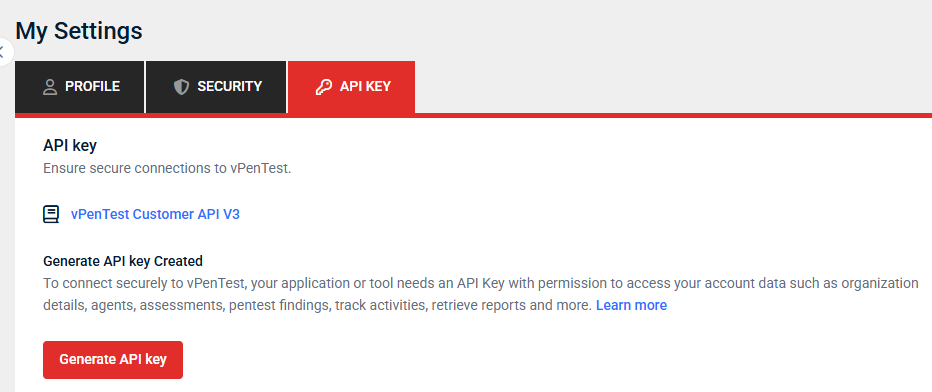
Use API keys to establish secure connections to vPenTest.
The vPenTest Customer API V3 allows your applications or tools to securely access account data, including organization details, agents, assessments, pentest findings, activity tracking, and reports.
To create an API key, click Generate API key.
After generating a key, it will be available for use in your integrations.
For more details, refer to vPenTest API.


